Changelog

202603240693


Insiders

Version 0.3.0

  • new SmartMix controls, including NOT mixing between tracks of the same album (this drove me nuts!)
  • UI updates:
    • NowPlayingView now notes when a track is mixing
  • lots of refactoring
  • Share an Ensemble app URL with your friends to navigate to the track... good for if you share libraries with others and want them to hear a banger!
  • when adding songs to the queue, tapping a song or starting another queue will pop up a modal warning that your changes will be erased
  • "play next" now appends songs to the Next Up queue instead of prepending them
202603240691


Insiders

Version 0.3.0

Version 0.3.0 (Insiders) — June 3, 2026

Note: Version 202603240692 is the same version as this release, but without the iPad app target and built for app store distribution.

Highlights

  • Timed chord lyrics — lyrics that stay in sync with the music. (Read more)
  • Get Info panel — quickly view key details about what’s playing.
  • SmartMix — improved automatic mixes for smoother listening. (Read more)
  • Faster performance — especially on older devices.
  • Genre views — browse your library by genre again.

watchOS

  • Basic playback works on Apple Watch.

macOS

  • Now Playing is truly full-screen with a redesigned window.
  • Fixed an issue where the Now Playing view could make window resizing behave unexpectedly.

Mini Player

  • Improved layout and spacing (including iOS 15 fixes).
  • Fixed a loading spinner layout issue that could shift other controls.

System integrations

  • Music widget now shows suggestions.
  • Improved Spotlight results so you can find music faster.

Queue

  • Navigating with Next/Previous while paused won’t auto-play.
  • Cleaner queue rows (no song length in the list).
  • Faster drag-and-drop reordering.
  • Drag handles on macOS.
  • One-tap context menu button.
  • “X more songs” indicator for long queues (50+ songs).

202603240683


Insiders, Beta

Version 0.3.0

Highlights

  • More bugs!
    • Queuing can be a little weird
    • Edit tab UI is broken
  • Improved overall polish across the app, with smoother animations and more consistent visuals.
  • Better large-screen layouts on iPad and macOS, including richer multi-column experiences where space allows.

Now Playing & playback

  • Now Playing adapts to your screen size, automatically switching between a dual-panel experience and a simpler single-panel layout when space is tight.
  • The Now Playing window presentation is cleaner (no redundant “window title” repeating track/artist info that’s already visible in the player).
  • Lyrics are more comfortable to use on macOS, including better behavior when manually scrolling.
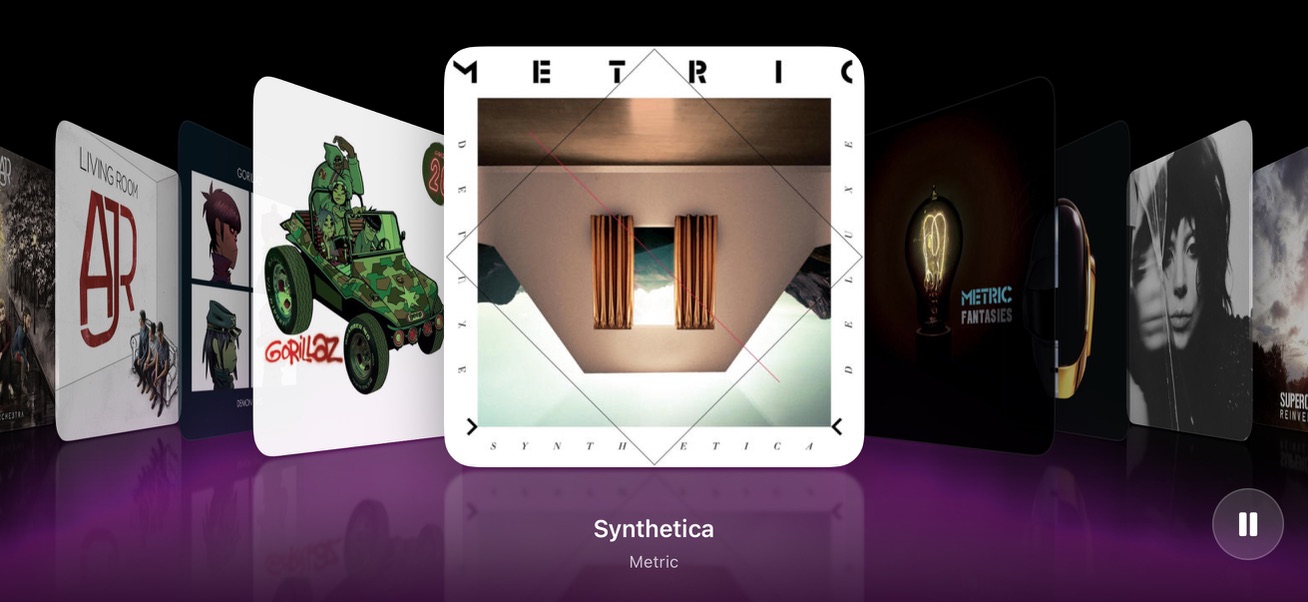
  • The Aurora visualizer is more refined, including smoother transitions when pausing and a more consistent layout across platforms.

Mini Player

  • Playback progress visuals are more reliable on larger displays (waveform/scrubber stays in sync as playback continues).
  • Waveform styling is clearer, making “played vs. unplayed” portions easier to distinguish.
  • More controls are available at larger sizes (including additional actions and easier access to playback options).
  • Shuffle and repeat options are available from the track context menu.

Library, playlists, and everyday usability

  • Drag and drop support:
    • Drag tracks into playlists.
    • Drag tracks out to Finder (macOS).
  • Playlist management improvements:
    • Remove tracks from playlists via context menu.
    • “Add to playlist” now correctly shows your playlists.
  • Navigation and interaction fixes across common music views for more predictable behavior.

iPad & large-screen layout upgrades

  • More Apple Music–style layouts on supported screens:
    • Artists, playlists, and other browsing views can use a two-column layout when there’s enough room.
    • Dual-pane layouts can be resized, and toolbars follow along as the window changes.
  • Rotation and layout behavior on iPad is more consistent when switching between portrait and landscape.

Visual consistency & UI polish

  • Toast notifications have an updated look (glassier style) and gentler animations (fades instead of slides).
  • Track rows are more consistent across the app, using a flexible layout designed to look good at multiple sizes.
  • Numerous small design consistency improvements (spacing, padding, icons, and view-specific styling) to make Ensemble feel more cohesive across platforms.

202603240680


Insiders, Beta

Version 0.3.0

New features:

  • Delete album/tracks
  • Edit album title
  • Feed is personalized with Profile name

Bug fixes:

  • Fix playback handoff edge cases that left tracks stuck in buffering after interruptions/background transitions
  • Improve iCloud sync correctness for profile and library flag state reconciliation, including disabled-library cleanup behavior
  • Tighten Siri/media resolution and server health handling to reduce incorrect matches and unstable fallback behavior
  • Normalize artwork rendering to consistent 1:1 clipping/corner-radius behavior across album/now playing/mini player and related surfaces
  • Refine StageFlow/tab chrome interactions, scroll index positioning behavior, and related list/card UI regressions especially on iOS 15
  • Fixed issue where when Search is in “More,” the search bar doesn’t appear
  • Fix fresh-install cloud restore so profiles, enabled libraries, and genre metadata no longer settle into empty or stuck states before iCloud data arrives
  • Stop no-iCloud installs from showing perpetual restore messaging and add startup retry/repair coverage around account and library bootstrap
  • Refactor root navigation and playback chrome so aurora and the mini player are owned once, stay aligned across iPhone/iPad/macOS layouts, and behave correctly through split view, window resizing, and pushed navigation
  • Improve adaptive UI behavior for iPad and iPhone, including Now Playing presentation, mini player layout/progress treatment, toolbar icon consistency, and restored sidebar/detail spacing rules
  • harden playback startup and audio-session lifecycle with dedicated startup, cache, and now-playing coordination
  • unify media and download detail presentation through a shared MediaDetailSurface and shared artwork background treatment
  • add cold-launch bootstrap diagnostics plus repeatable runtime capture and Core warning-budget scripts
  • Miniplayer is now same size as tab bar on iOS
  • Refactored PlaybackHandoffCoordinator to introduce a unified Signal type and a single handle(_:) entry point, simplifying how playback, route changes, and interruptions are managed and reducing branching logic in PlaybackService
  • Improved playback resume logic in AudioPlaybackEngine to use a resolved route recovery position, ensuring more accurate restoration after route changes or interruptions.
  • Changed startup sync sequencing in AppDelegate to wait for early health checks, preventing race conditions where sync requests might use stale endpoints.
  • Organize album context menu options

202603240672


Beta, Insiders

Version 0.3.0

  • macOS
    • Refined Artist view
    • Refined desktop experience
  • Pins on macOS and iPadOS
    • You can re-order pins
    • You can now remove pins
    • Pins have standard contextual actions
  • Added Aurora to Now Playing View
  • iPhone 6s
    • Big performance improvements
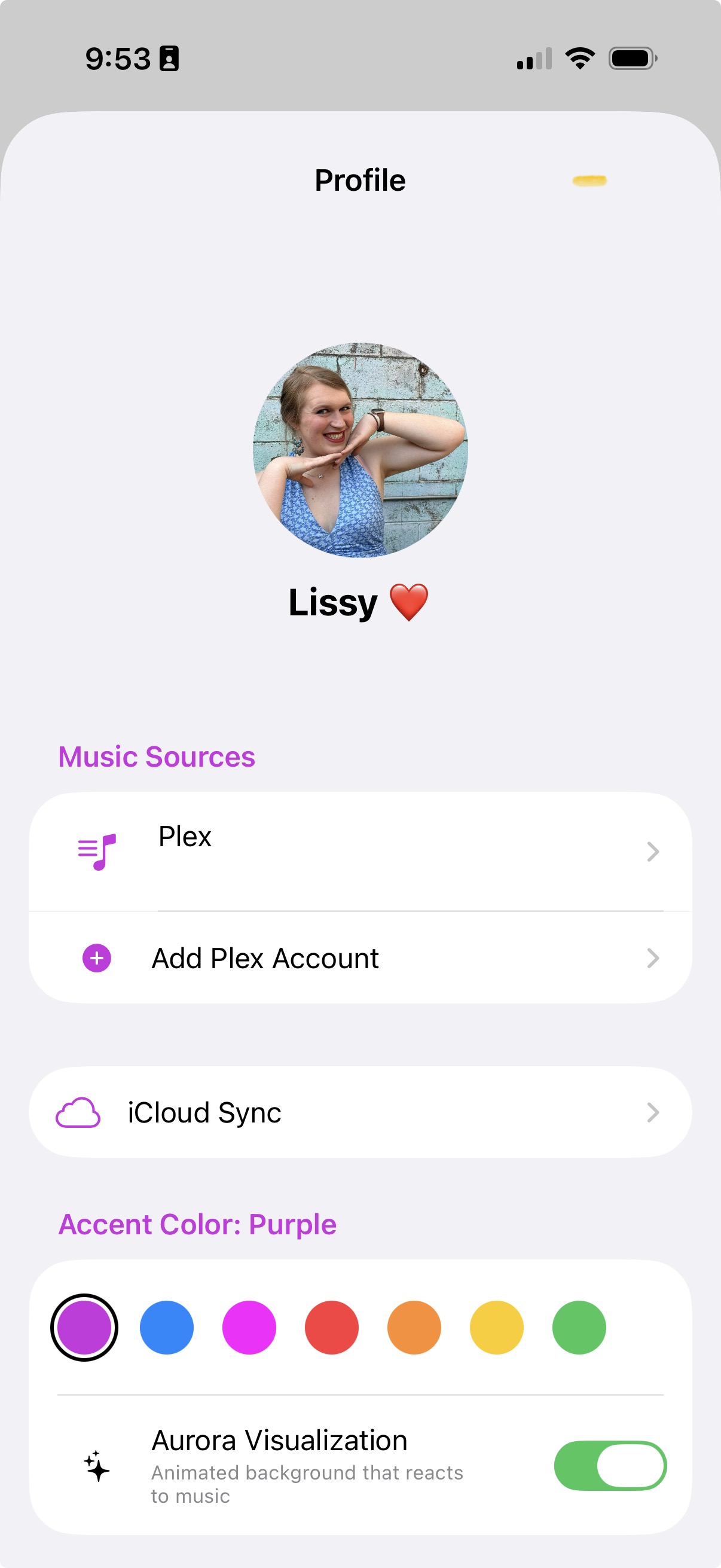
  • New Profile view
    • Settings have moved to your new Profile view housed in the top-right of the app… now you can set up a name and an image!
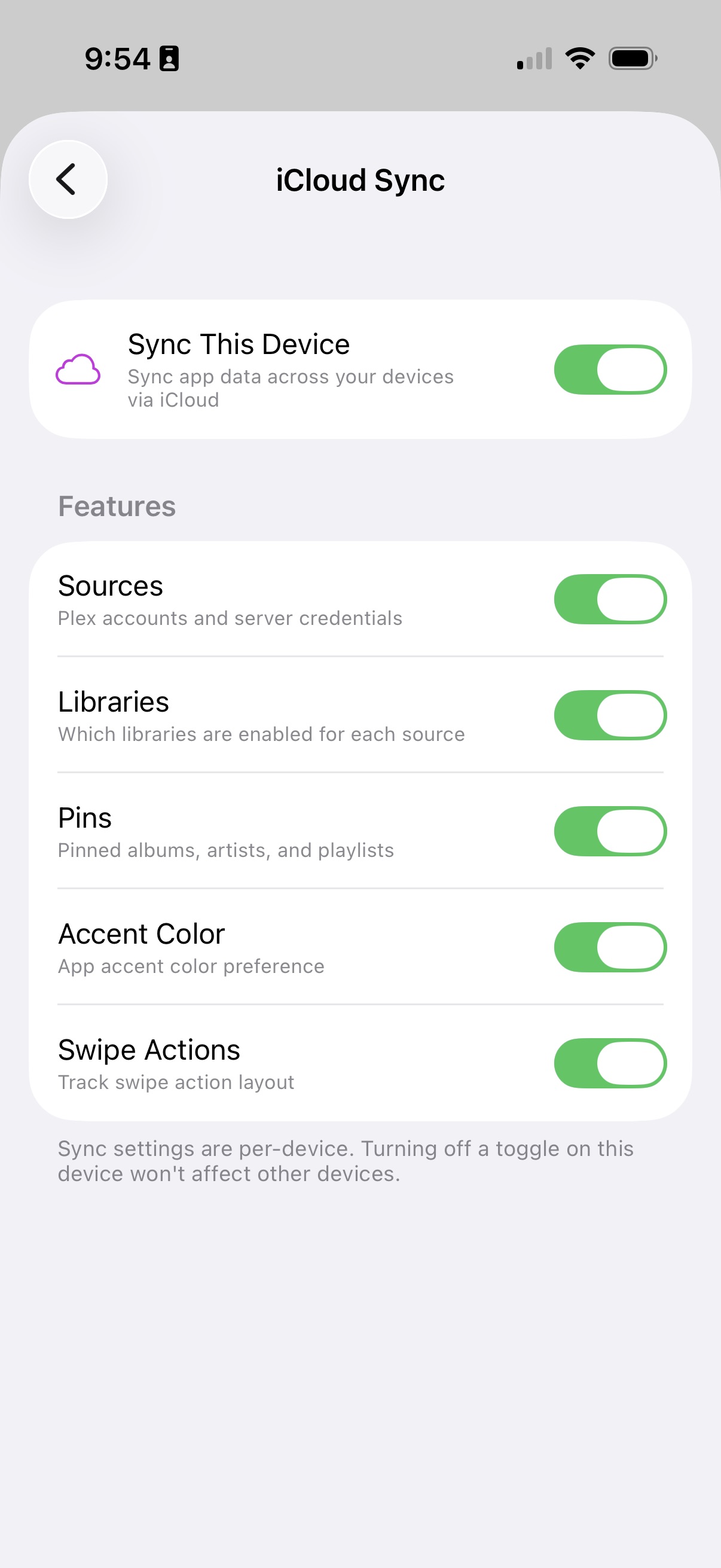
    • Settings now sync… and you can control what settings to sync across devices!
    • Synced settings: Sources; Selected libraries; Pins; Accent color; Swipe actions

202603240669


Beta, Insiders

Version 0.3.0

  • Playlist merging across servers

    If you have a playlist with the exact same name across servers, you can “merge” playlists to look like they’re one. This is great if you have tracks across different servers but want to have one playlist to manage!

    Playing, shuffling, and managing should work all as one.

  • AirPlay External Display view

    Mirror your screen to any AirPlay target, and you get a really nice TV-specific view on it!

  • Fixed bugs:
    • Gapless issues
    • Corrupt downloads

202603240667


Version 0.3.0

  • Logging improvements
  • StageFlow works!
  • Fixed bugs:
    • macOS not playing encoded files (would always fall back to original files)
    • Various playback bugs
    • Various gapless bugs